
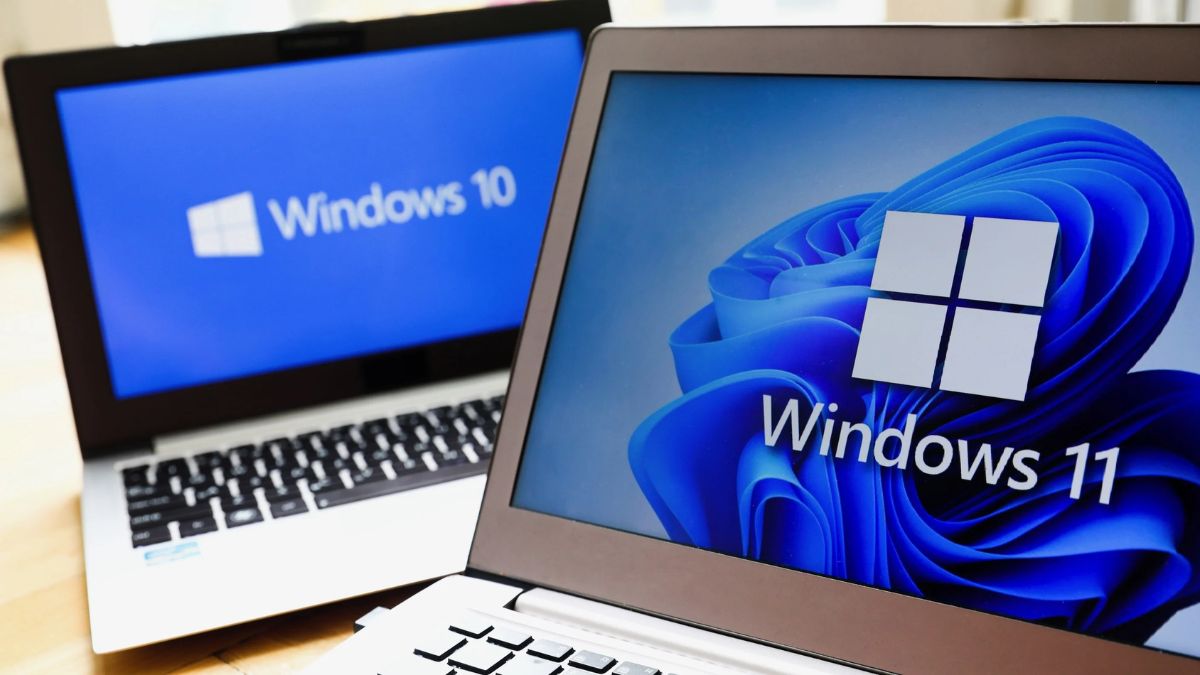
Microsoft urges 500 million users to upgrade to Windows 11 before Windows 10 ends. Learn about the free offer, Recall AI, security patches, and folder warnings.
Free Windows 11 Upgrade, Hidden Risks for Windows 10 Users
Microsoft has just intensified its warning to over 750 million Windows 10 users as the end of support for the popular OS approaches. With October 14, 2025, marking the last day for free security updates (unless you pay for extensions), the tech giant has launched a major push urging users to upgrade to Windows 11 immediately — if their devices are eligible.
This urgent alert includes everything from a final free upgrade window to new zero-day security threats, botched updates, and controversial AI features like Recall, which could change how your PC logs everything you do.
Let’s break down what every Windows user needs to know — and why inaction could expose your system to serious risks.
Free Windows 11 Upgrade: Act Before October 14, 2025
Microsoft’s clearest message yet:
“Don’t wait until the last minute. If your PC hardware qualifies for Windows 11, upgrade now. If it doesn’t — consider recycling.”
Of the estimated 750 million Windows 10 users:
- Around 500 million devices are eligible for a free upgrade
- An estimated 240 million are not compatible with Windows 11
- Many face a choice: upgrade, pay for support, or face rising vulnerabilities
Users sticking with Windows 10 beyond the support cutoff will be exposed to unpatched vulnerabilities, unless they opt for Microsoft’s Extended Security Updates (ESU) — which start at $30/year per device and are more expensive for enterprises.
Recall Is Back: AI-Powered Memory or Privacy Nightmare?
One of Windows 11’s most controversial features is making a comeback: Recall — a system that screenshots your PC every few seconds and creates an AI-powered memory of all your activity.
Now part of the Copilot+ PC lineup, Recall promises to:
- Let users instantly search past apps, images, documents, or websites
- Reconstruct content you’ve forgotten
But privacy advocates warn this could be abused:
- Screenshots are taken every 3 seconds
- Sensitive content sent via apps like Signal could still be captured
- Even non-users may be exposed when communicating with someone using Recall
Ars Technica summed it up: “That groan you hear is users’ reaction to Recall going back into Windows.”
While Microsoft promises opt-outs and security layers, critics believe it’s another step toward over-surveillance — especially in personal or abusive settings.
CVE-2025-29824: Windows 10 Hit by Actively Exploited Zero-Day Vulnerability
Microsoft confirmed that CVE-2025-29824, a privilege escalation flaw, is being actively exploited across multiple countries — including the U.S.
It allows attackers to gain local access and elevate privileges — and it’s already on CISA’s Known Exploited Vulnerabilities (KEV) list.
Windows 10 users must ensure they’re running the latest supported version — as older editions like LTSB 2015 may not receive this critical patch.
Out-of-Band (OOB) Updates Released: April 2025 Patch Fixes
Following April’s Patch Tuesday, Microsoft released multiple emergency updates (OOB) to fix bugs, including:
- Audit log inconsistencies in Group Policy settings
- System crashes in Office 2016 apps (Word, Excel, Outlook)
Affected Updates:
- KB5002700: Caused widespread Office crashes
- KB5002623: Now available to fix it — must be installed together to restore functionality
Manual download: Available on Microsoft’s Download Center
If you need to uninstall KB5002623:
- Open Control Panel
- Search for Installed Updates
- Find KB5002623
- Click Uninstall
Inetpub Folder Confusion: Don’t Delete It!
Another user scare emerged after April’s update introduced a mysterious “inetpub” folder on Windows systems. While many feared malware or bloatware, Microsoft clarified it is:
- Linked to CVE-2025-21204, a Windows Update vulnerability
- Part of a security patch
- Should NOT be deleted, even though Windows allows it
The vulnerability could let attackers exploit symbolic links to access or modify unintended files. This folder helps patch that flaw.
Microsoft has now updated documentation after initial confusion, confirming its intentional creation and security purpose.
Microsoft Quietly Tests Feature Removals in Windows 10
In a subtle yet telling move, Microsoft has begun testing the removal of the “seconds” display from the system clock in Windows 10’s calendar.
While seemingly minor, this signals Microsoft’s deprioritization of Windows 10 development in favor of Windows 11, and possibly more feature retirements to come.
The Road Ahead for Windows 10 Users
As we approach Windows 10’s end-of-life in October 2025, here’s what you must do:
Your Windows 10 To-Do List
- Check if your PC is eligible for Windows 11: Microsoft PC Health Check Tool
- Upgrade now to avoid paying later or facing security gaps
- Install April OOB updates to fix critical Office and system vulnerabilities
- Don’t delete the “inetpub” folder
- Stay informed about controversial features like Recall before enabling.